JavaScript is required
Skip to content
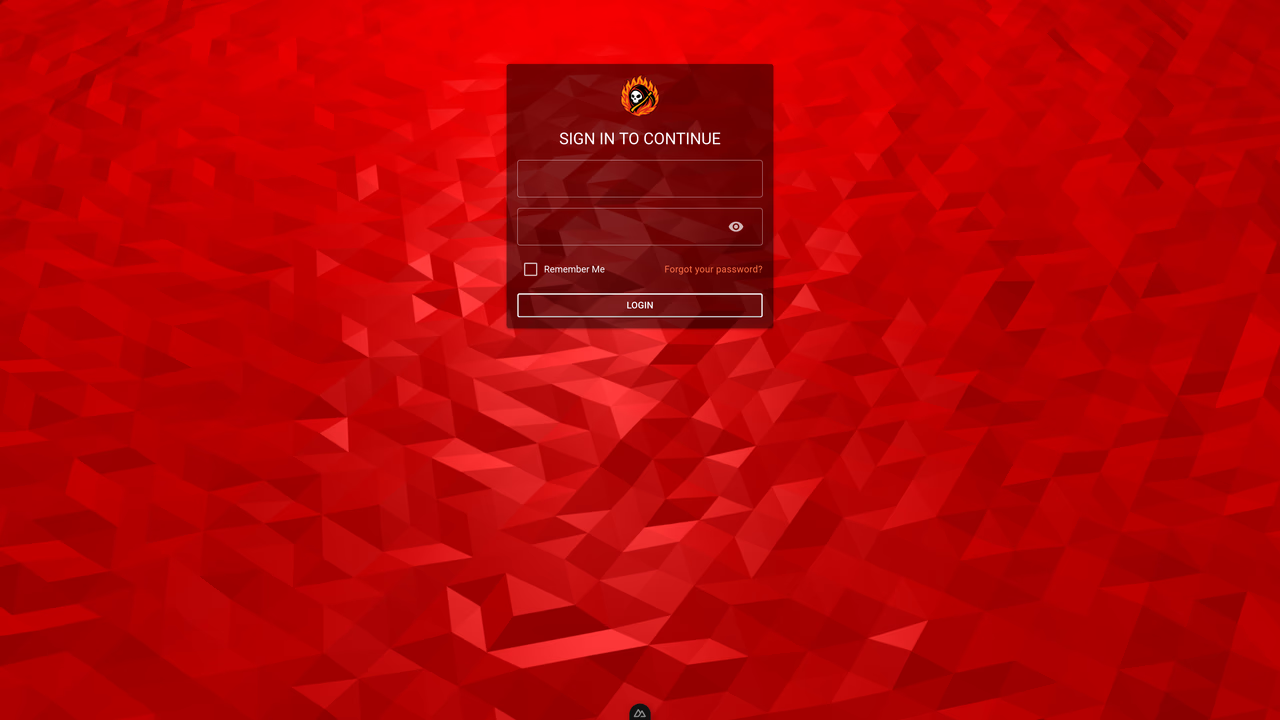
Login screen with authentication form and branding
Login screen with authentication form and branding

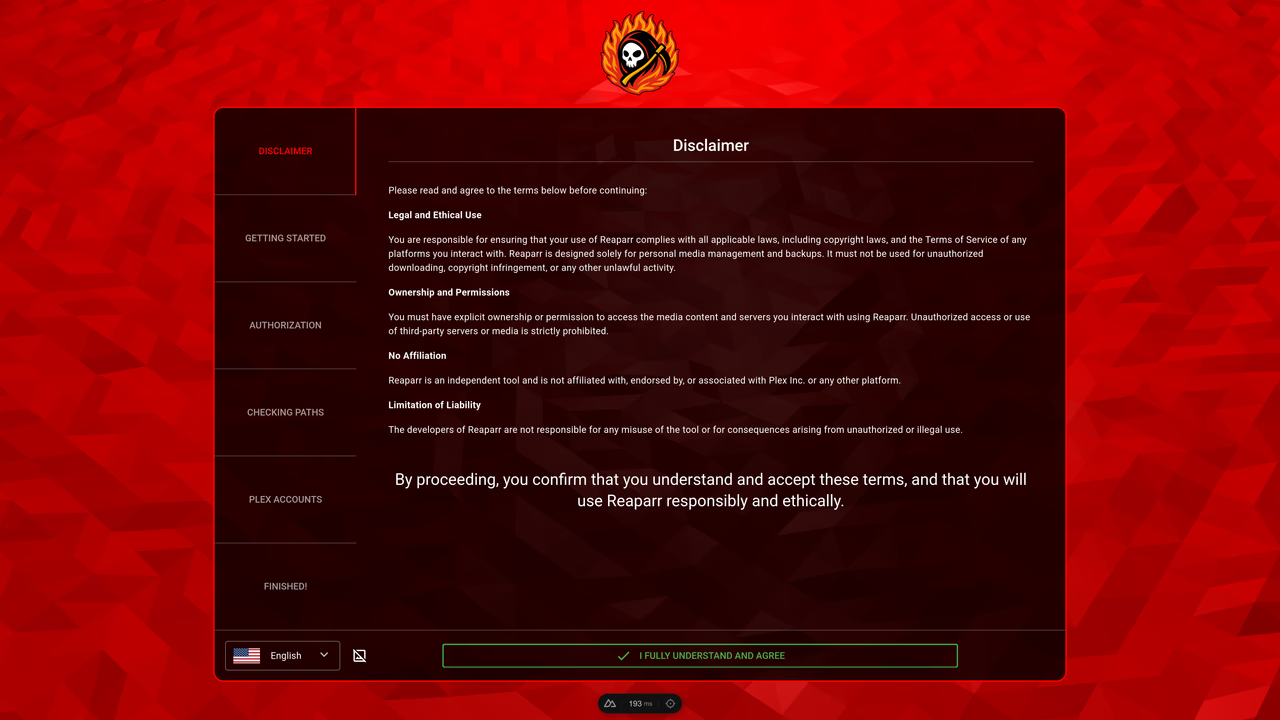
Initial setup step 1 – introduction or welcome configuration screen
Initial setup step 1 – introduction or welcome configuration screen

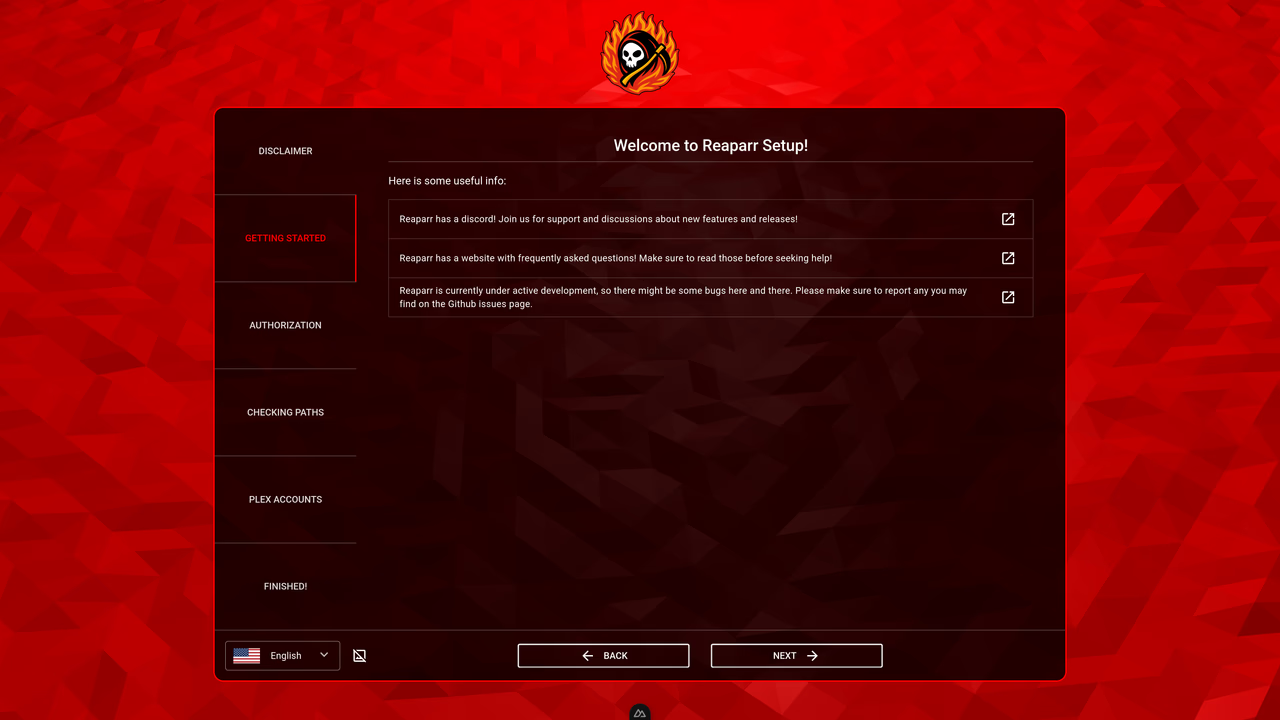
Initial setup step 2 – server or connection configuration
Initial setup step 2 – server or connection configuration

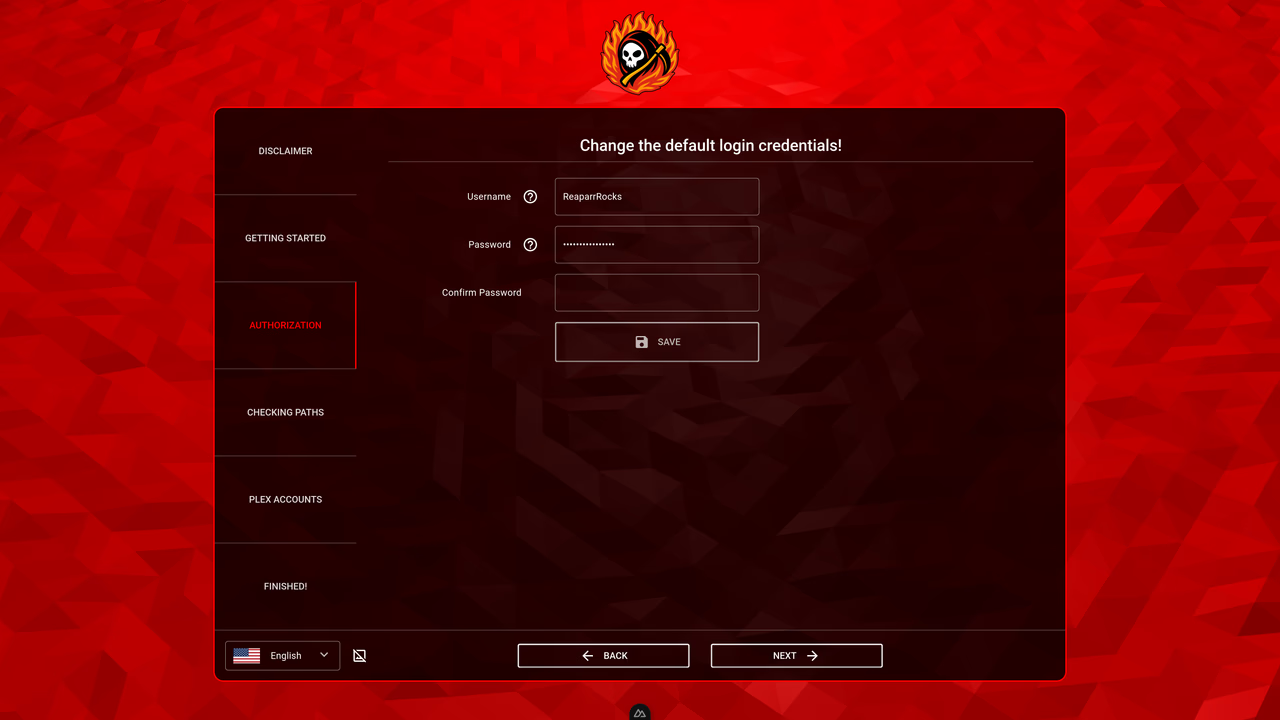
Initial setup step 3 – account or authentication setup
Initial setup step 3 – account or authentication setup

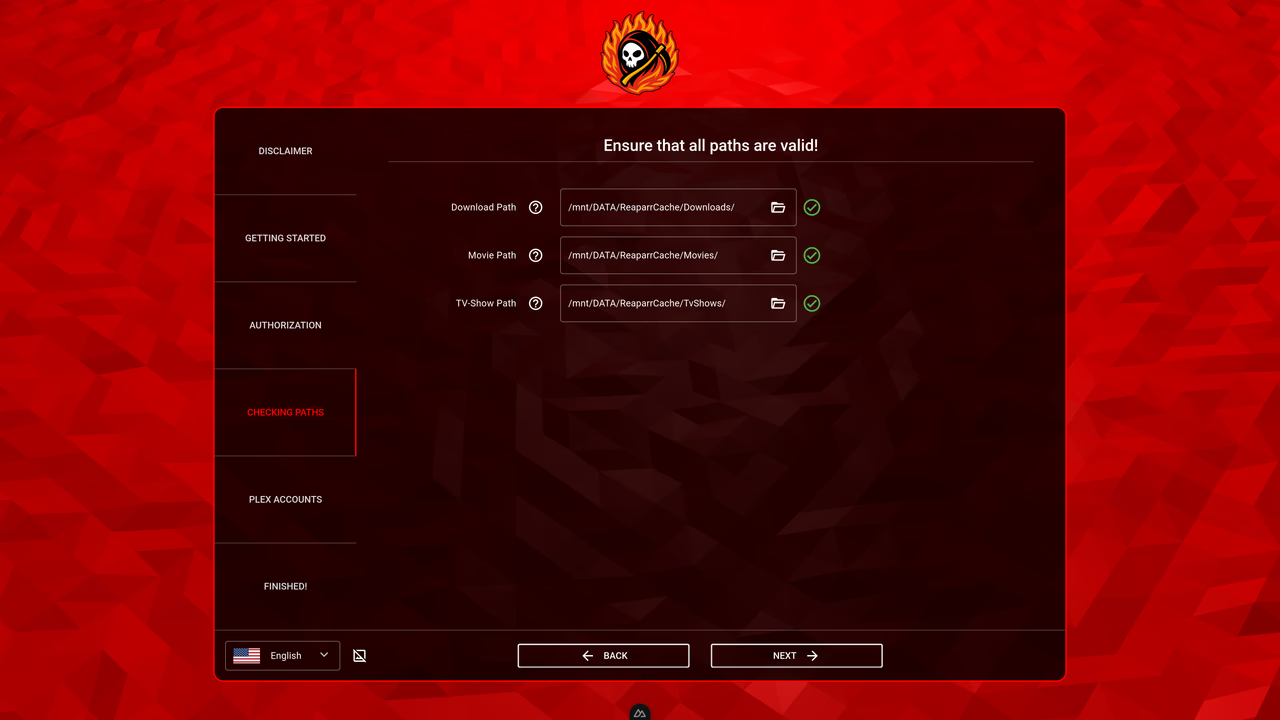
Initial setup step 4 – folder or storage configuration
Initial setup step 4 – folder or storage configuration

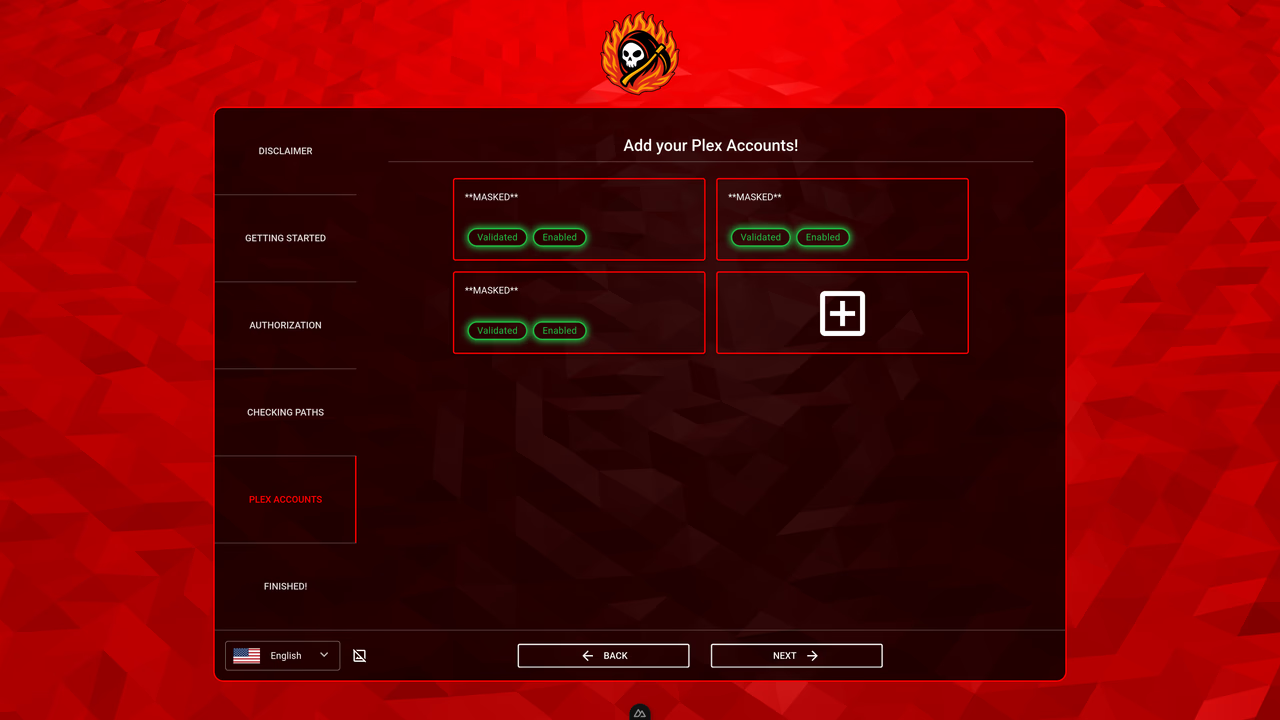
Initial setup step 5 – integration or service configuration
Initial setup step 5 – integration or service configuration

Initial setup step 6 – final review and confirmation
Initial setup step 6 – final review and confirmation

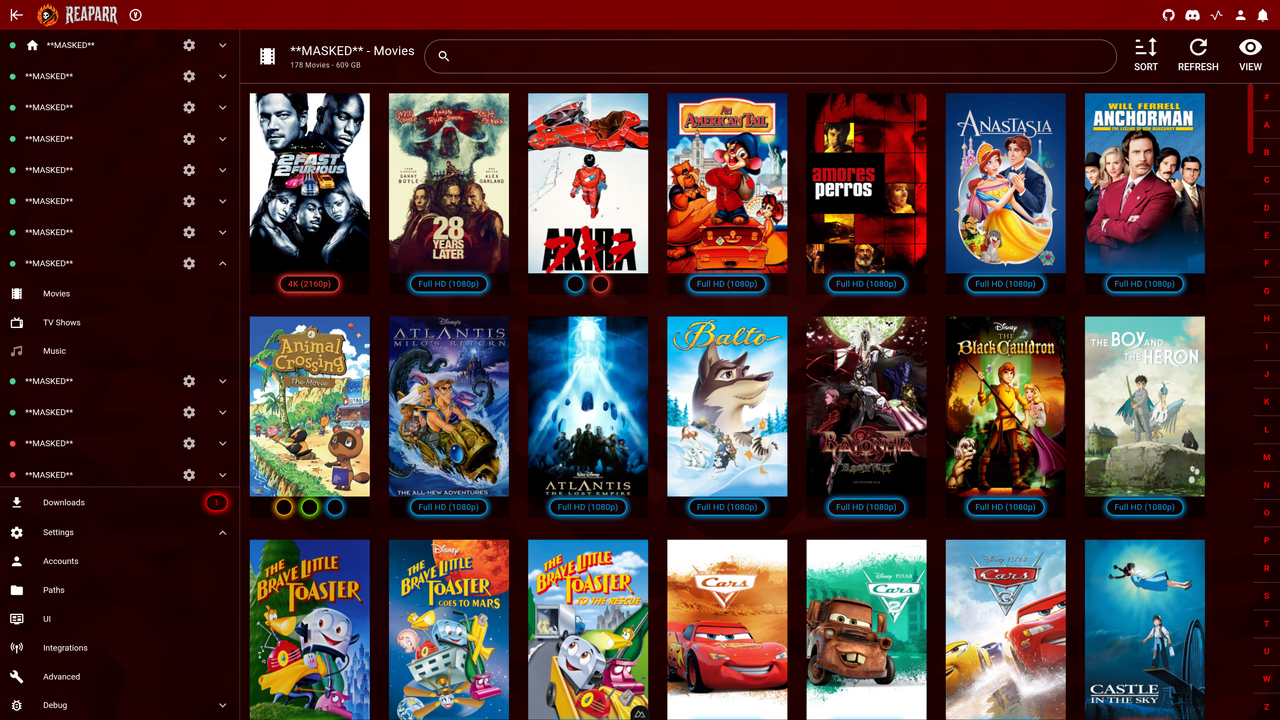
Movies library – poster table view with grid layout
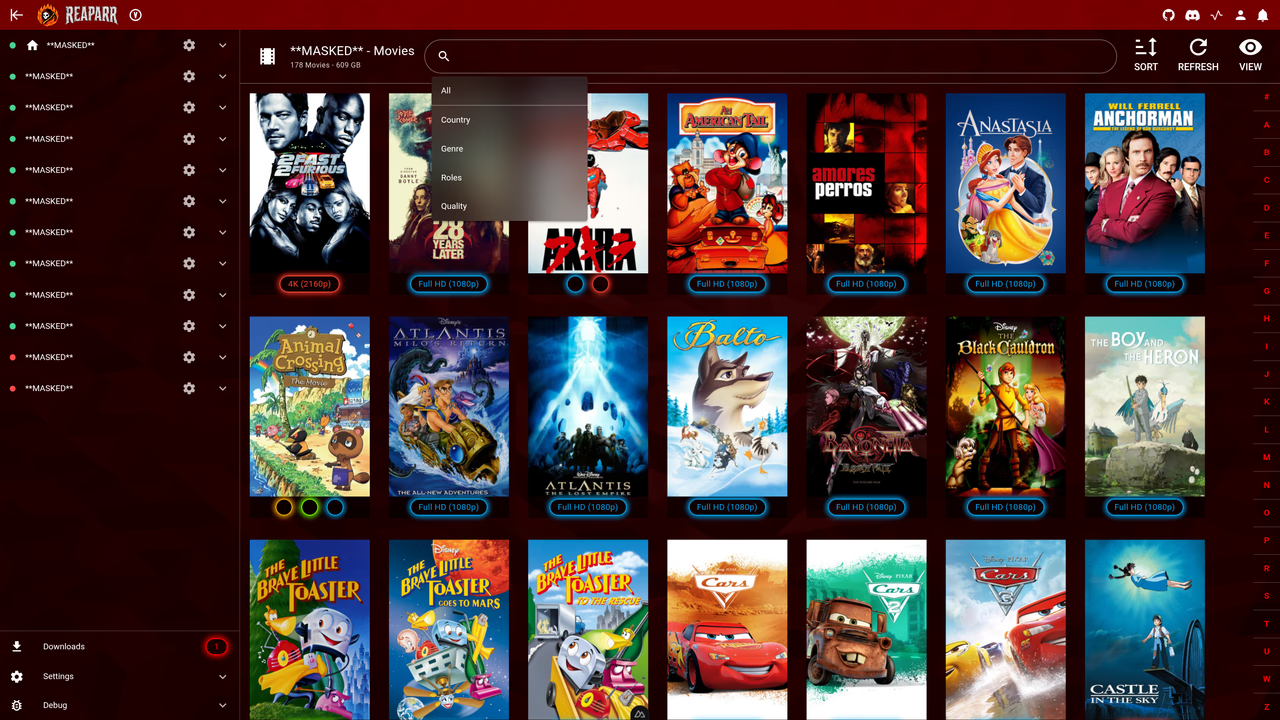
Movies library – poster table view with grid layout

Movies library – filter menu with filtering options
Movies library – filter menu with filtering options

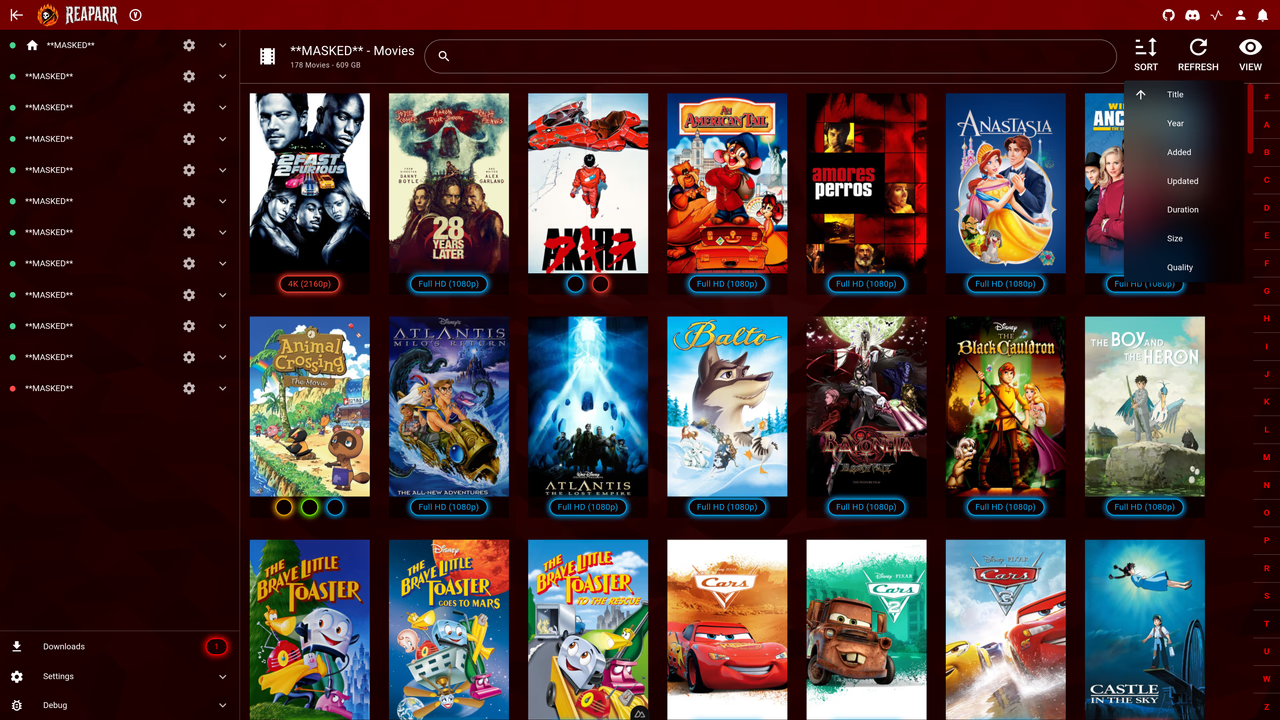
Movies library – sorting menu with sort options
Movies library – sorting menu with sort options

Movies library – full detailed view of selected movie
Movies library – full detailed view of selected movie

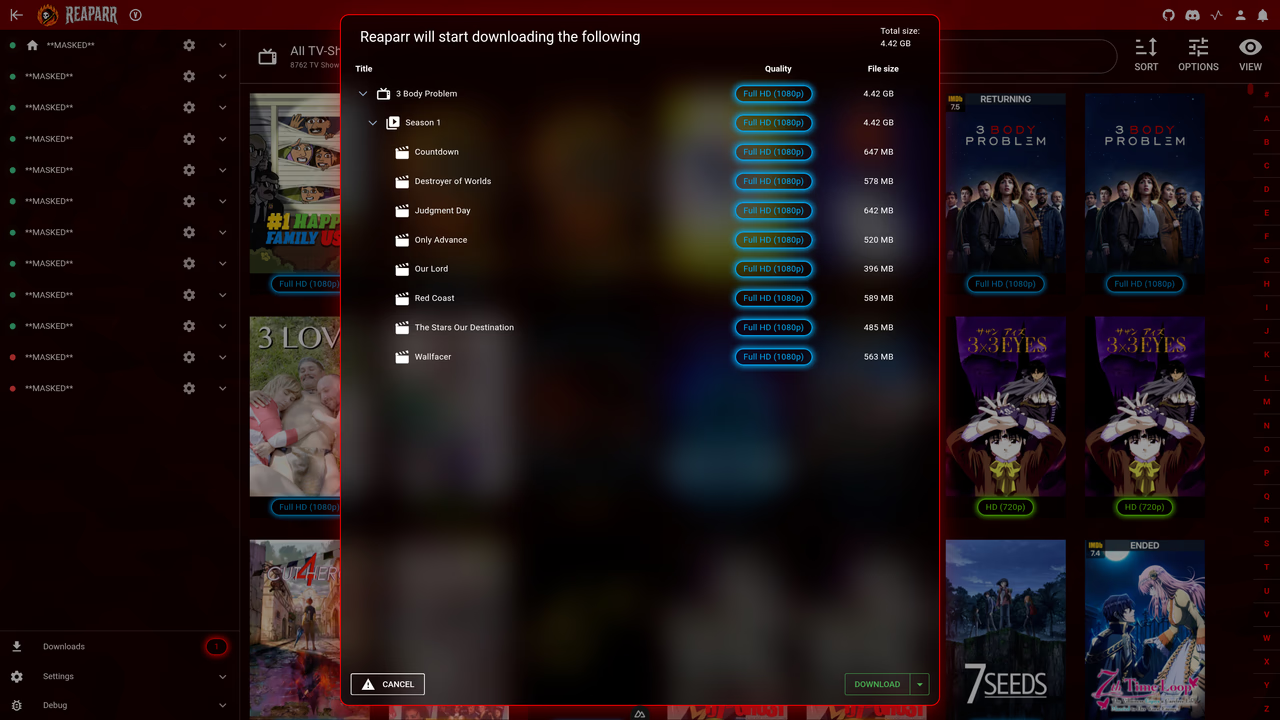
TV show library – download confirmation dialog
TV show library – download confirmation dialog

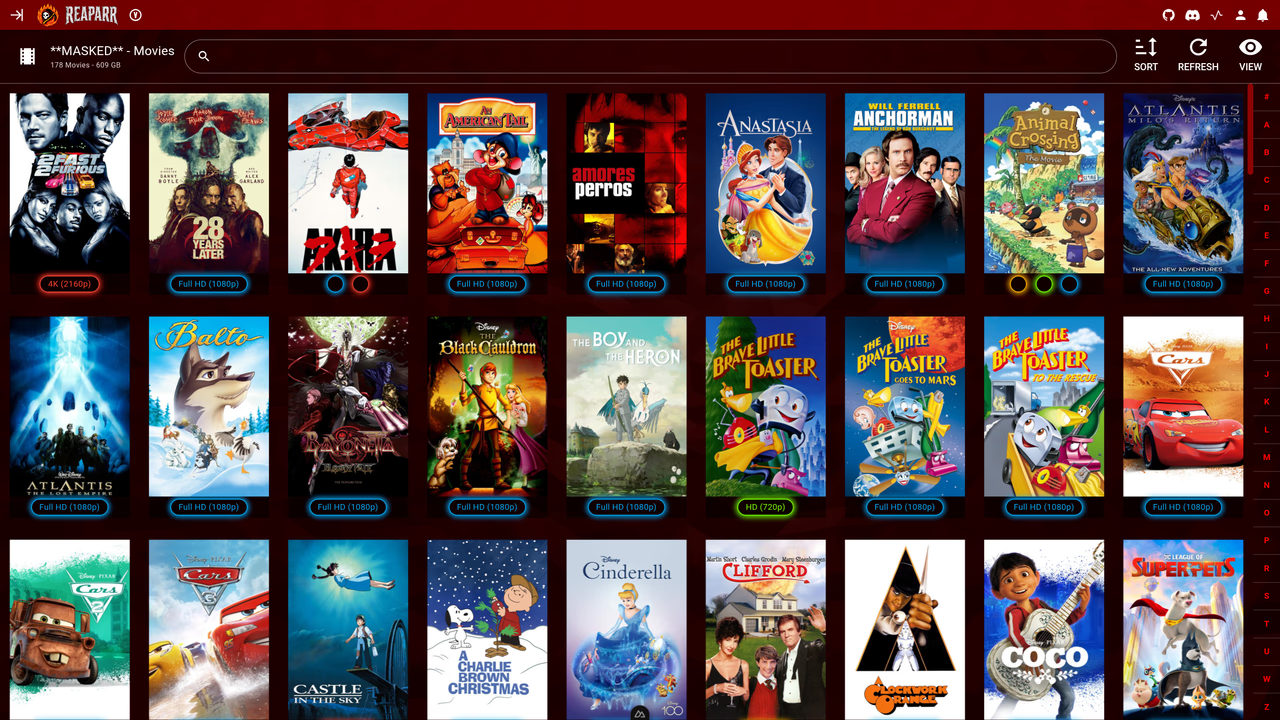
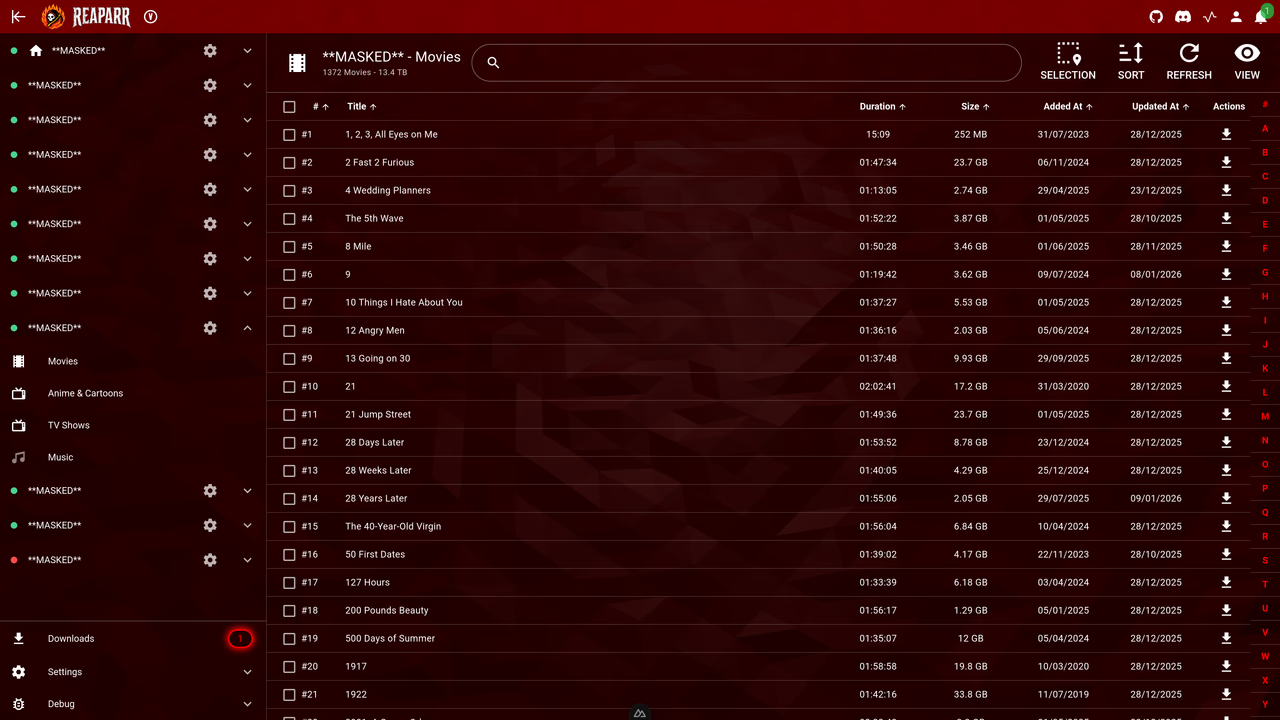
Movies library – table view with list layout

Movies library – table view with list layout

TV show library – detail view with episode information

TV show library – detail view with episode information

Movies library – refresh progress and status overview

Movies library – refresh progress and status overview

TV show library – refresh progress and status overview

TV show library – refresh progress and status overview

Download overview – All downloads will show here with progress and status

Download overview – All downloads will show here with progress and status

Settings – account overview and management screen

Settings – account overview and management screen

Settings – create or add new account screen

Settings – create or add new account screen

Settings – advanced configuration overview

Settings – advanced configuration overview

Settings – folder configuration overview

Settings – folder configuration overview

Settings – integration configuration overview

Settings – integration configuration overview

Settings – user interface customization overview

Settings – user interface customization overview

Settings – language select and other general settings overview

Settings – language select and other general settings overview

Login screen with authentication form and branding
Initial setup step 1 – introduction or welcome configuration screen
Initial setup step 2 – server or connection configuration
Initial setup step 3 – account or authentication setup
Initial setup step 4 – folder or storage configuration
Initial setup step 5 – integration or service configuration
Initial setup step 6 – final review and confirmation
Movies library – poster table view with grid layout
Movies library – filter menu with filtering options
Movies library – sorting menu with sort options
Movies library – full detailed view of selected movie
TV show library – download confirmation dialog
Movies library – table view with list layout
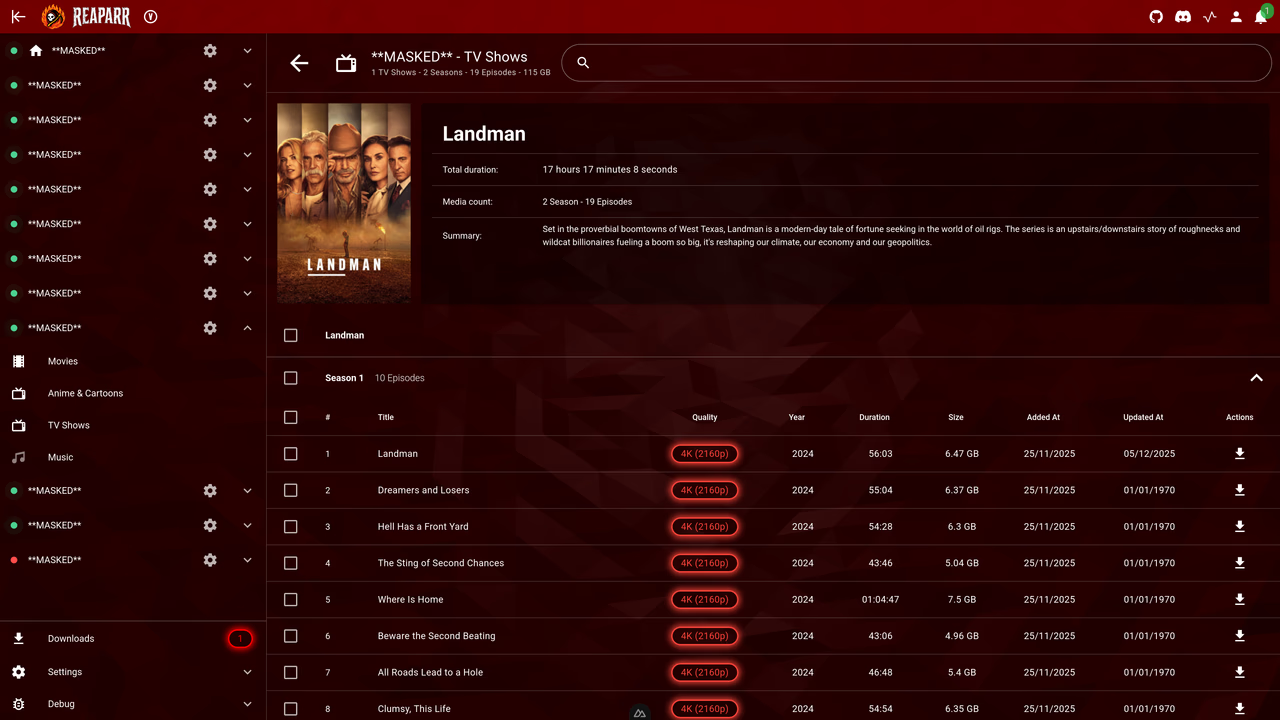
TV show library – detail view with episode information
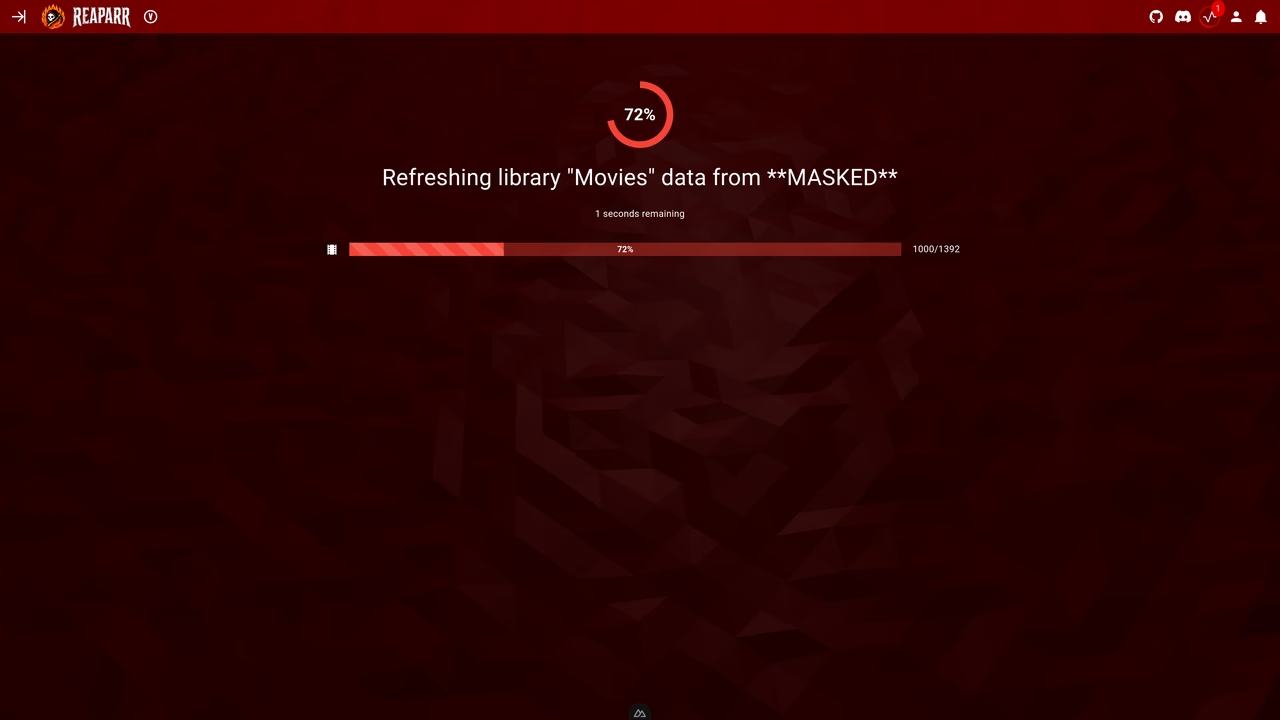
Movies library – refresh progress and status overview
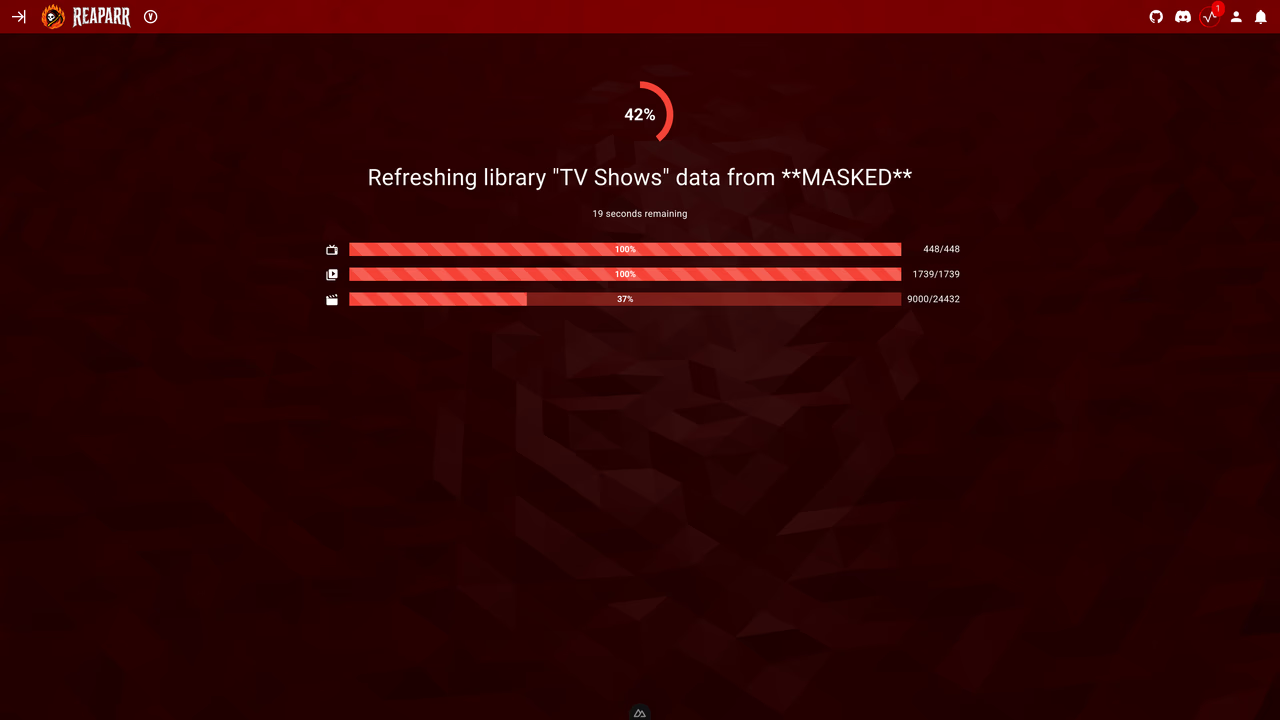
TV show library – refresh progress and status overview
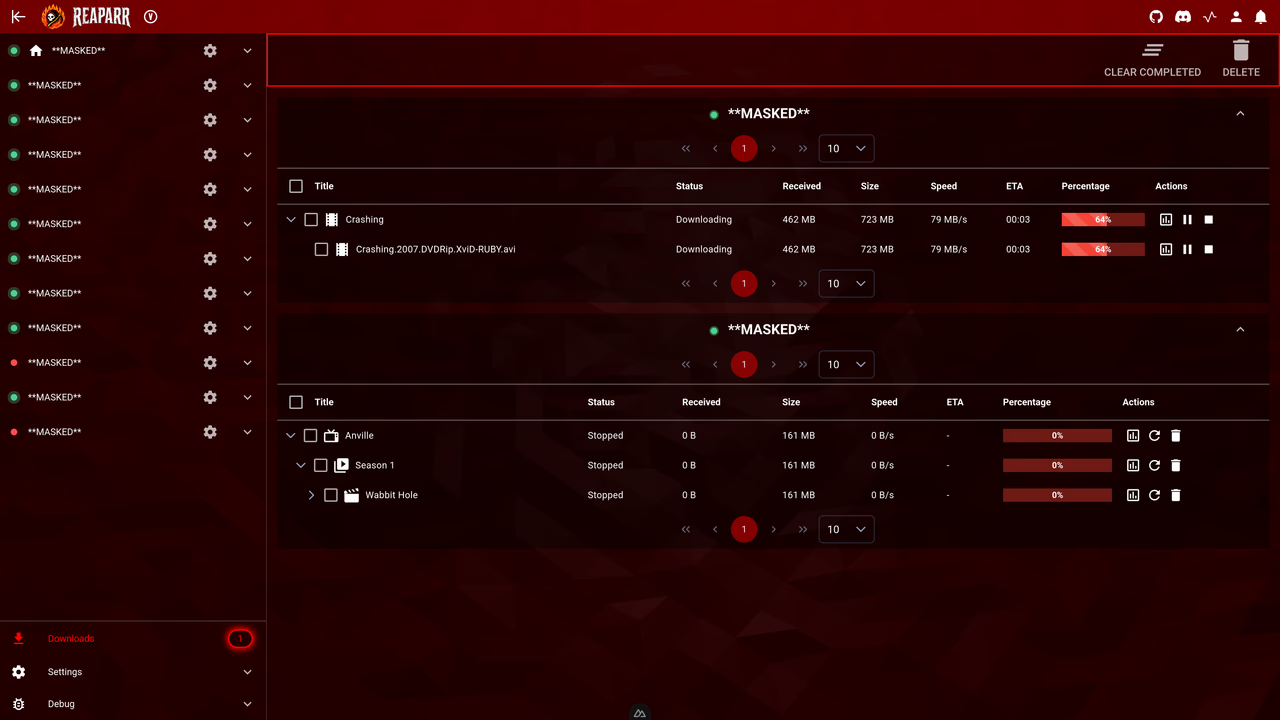
Download overview – All downloads will show here with progress and status
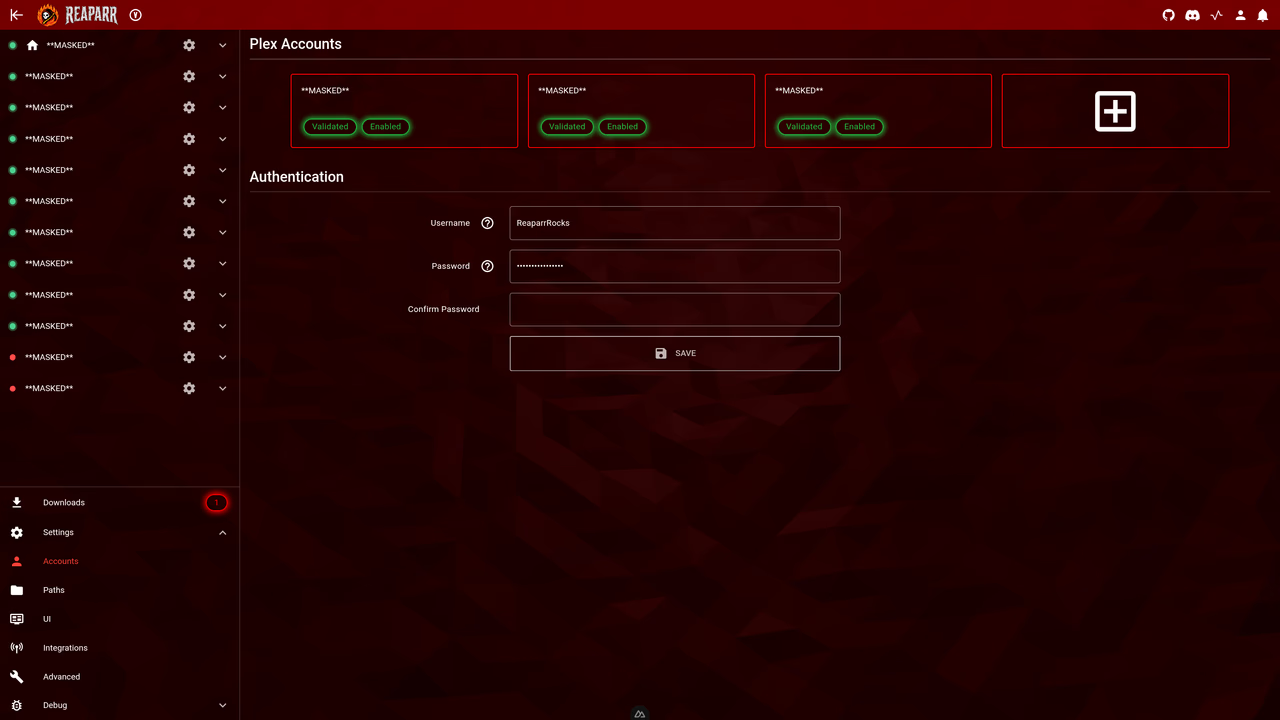
Settings – account overview and management screen
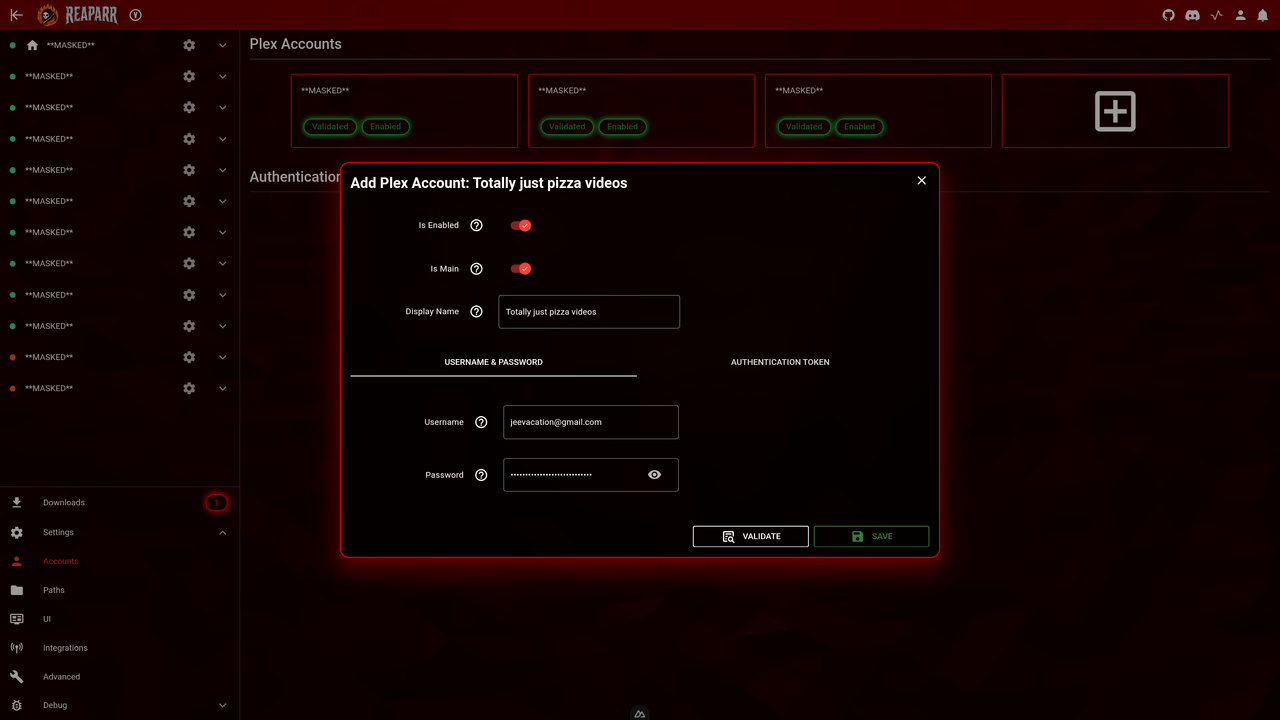
Settings – create or add new account screen
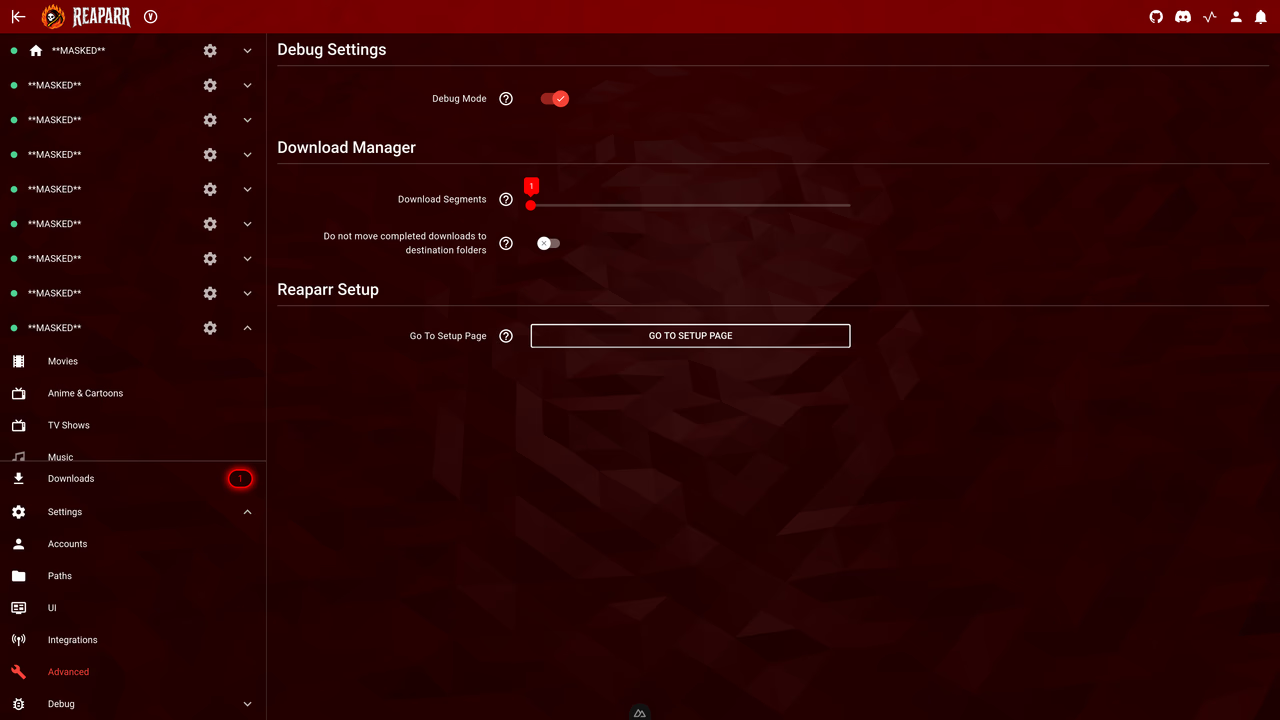
Settings – advanced configuration overview
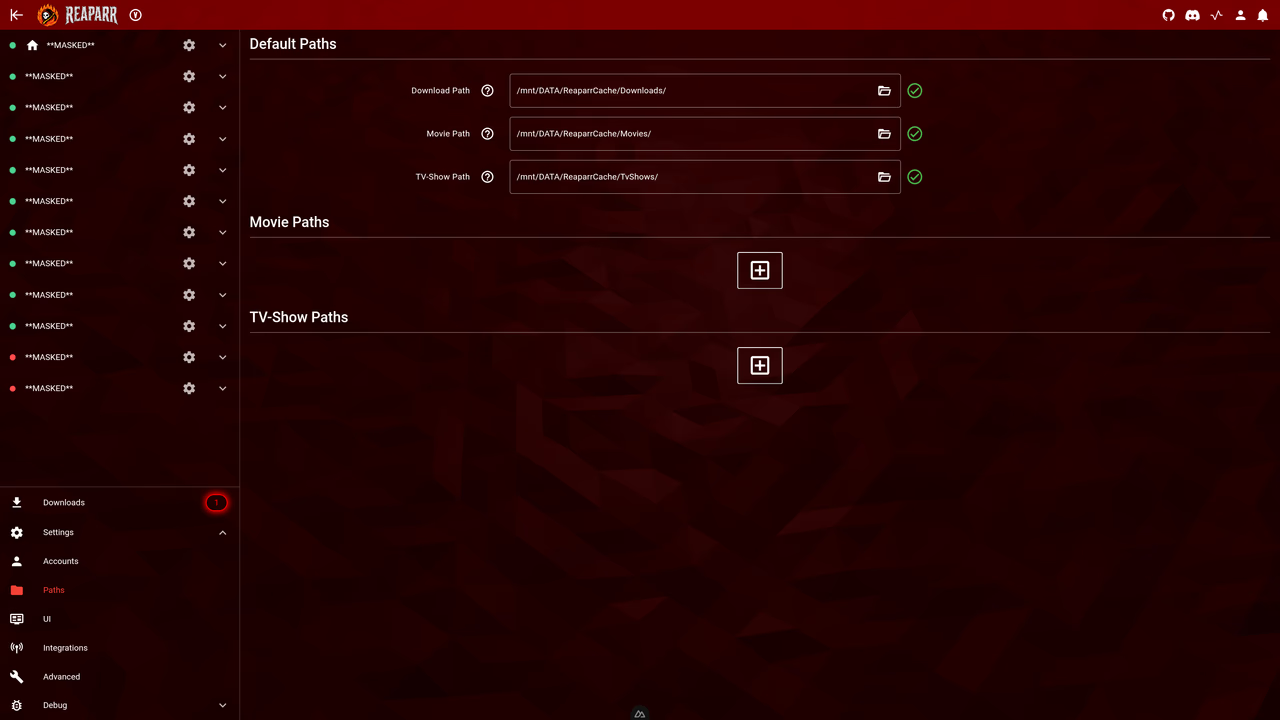
Settings – folder configuration overview
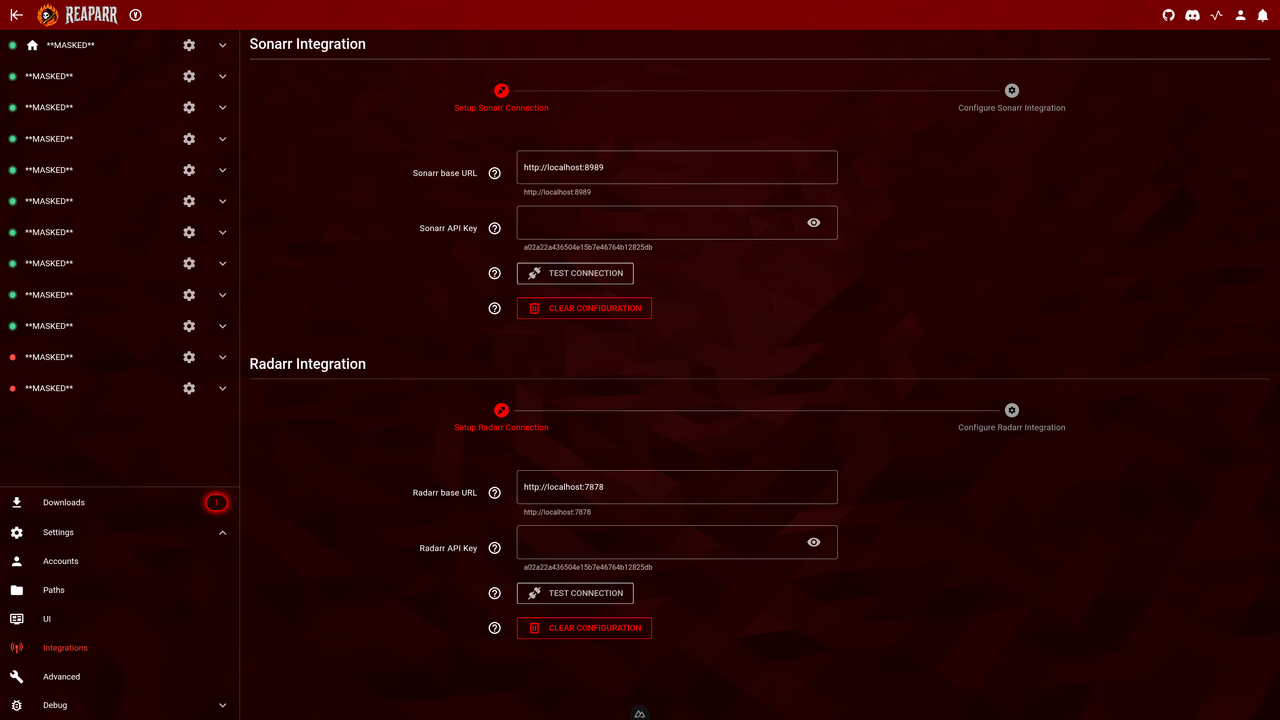
Settings – integration configuration overview
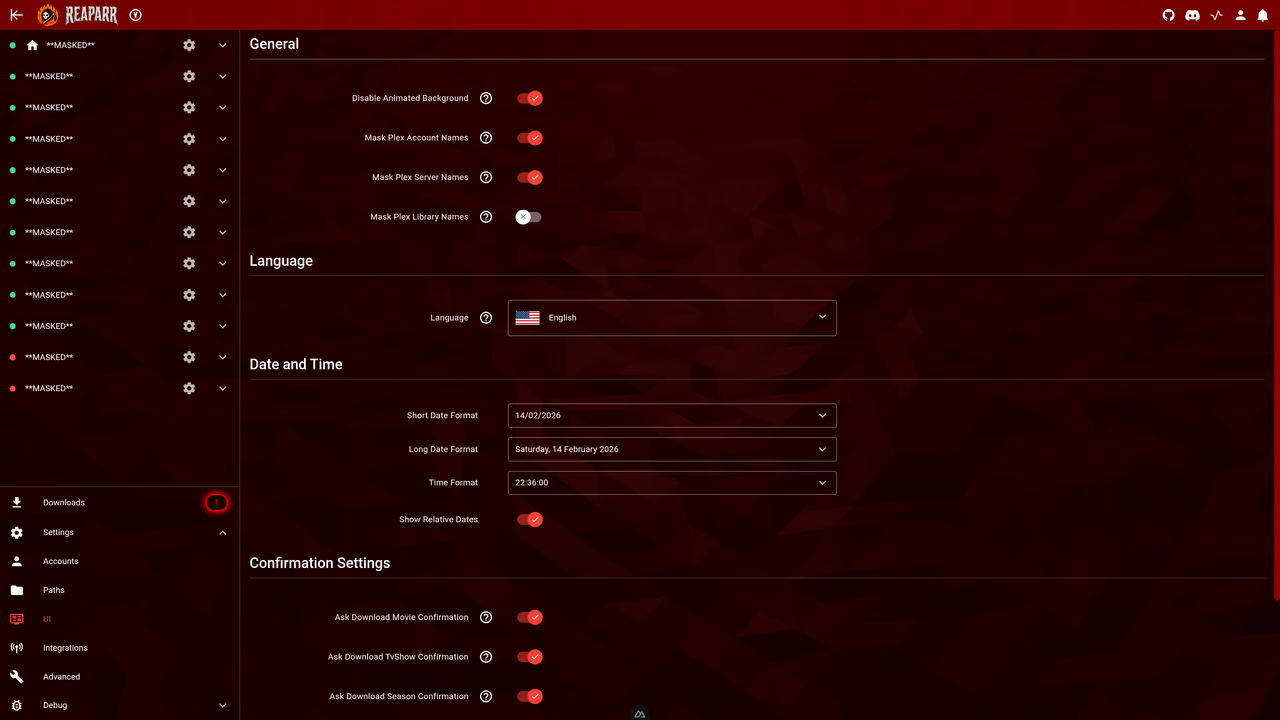
Settings – user interface customization overview
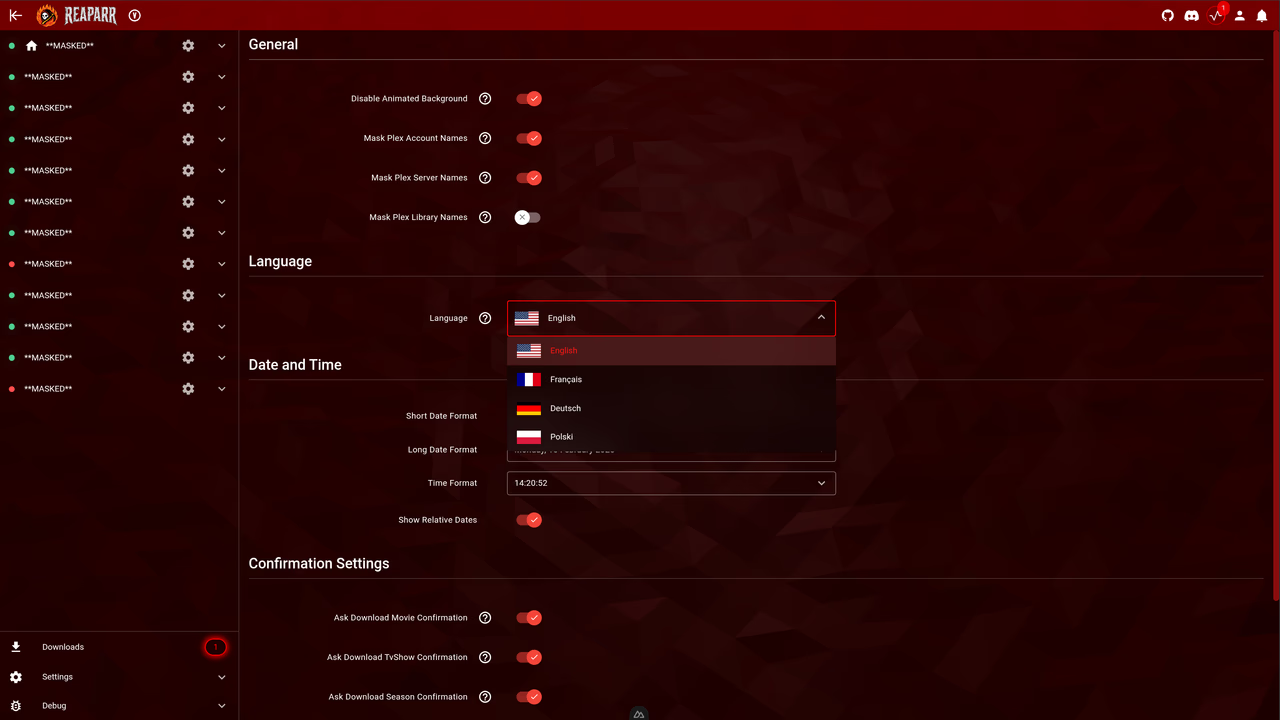
Settings – language select and other general settings overview