

Reaparr Setup
After installing Reaparr, you can access the web interface by navigating to http://localhost:7000 in your web browser (replace localhost with your server's IP address if not running locally) and the port you configured during installation.
First time login
The first time you access the web interface, you will be prompted to login with the default credentials.
Username:
ReaparrRocks
Password:
R€Aℙℙ@rr69
Setup Wizard
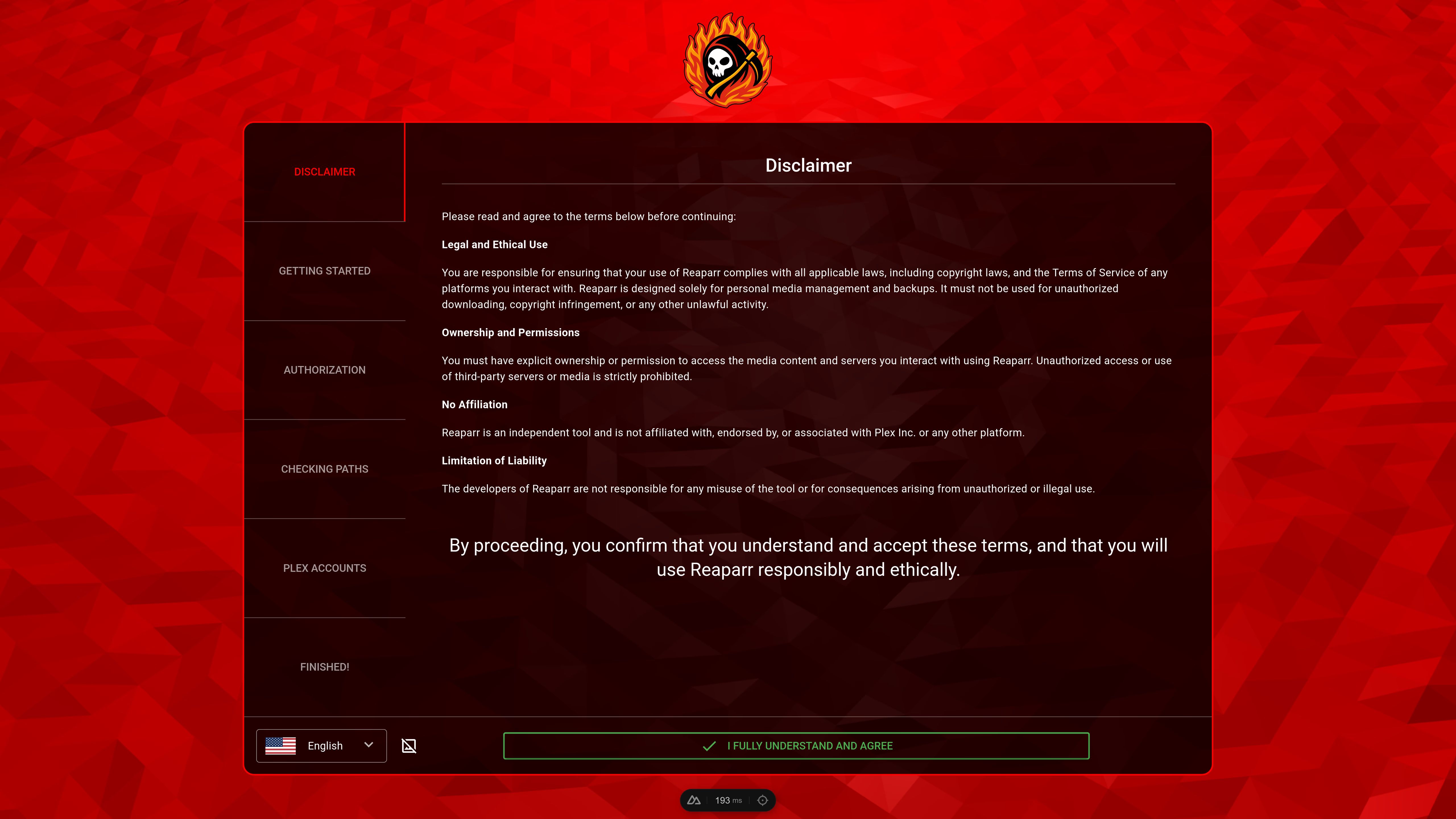
After logging in, you will automatically be guided through a setup wizard to connect your Plex account and configure your download settings. Follow the on-screen instructions to complete the setup.
Synology
This guide walks through running Reaparr on Synology DSM via the built‑in Container Manager (DSM 7.x) or the legacy Docker package UI.
Header Authentication
Configure Reaparr to automatically authenticate users via HTTP headers injected by a reverse proxy, removing the need for separate credentials.