

Unraid
This guide will walk you through the steps to install Reaparr on Unraid using the Community Applications plugin.
- Ensure you have Community Applications installed.
- Search for Reaparr and click install.
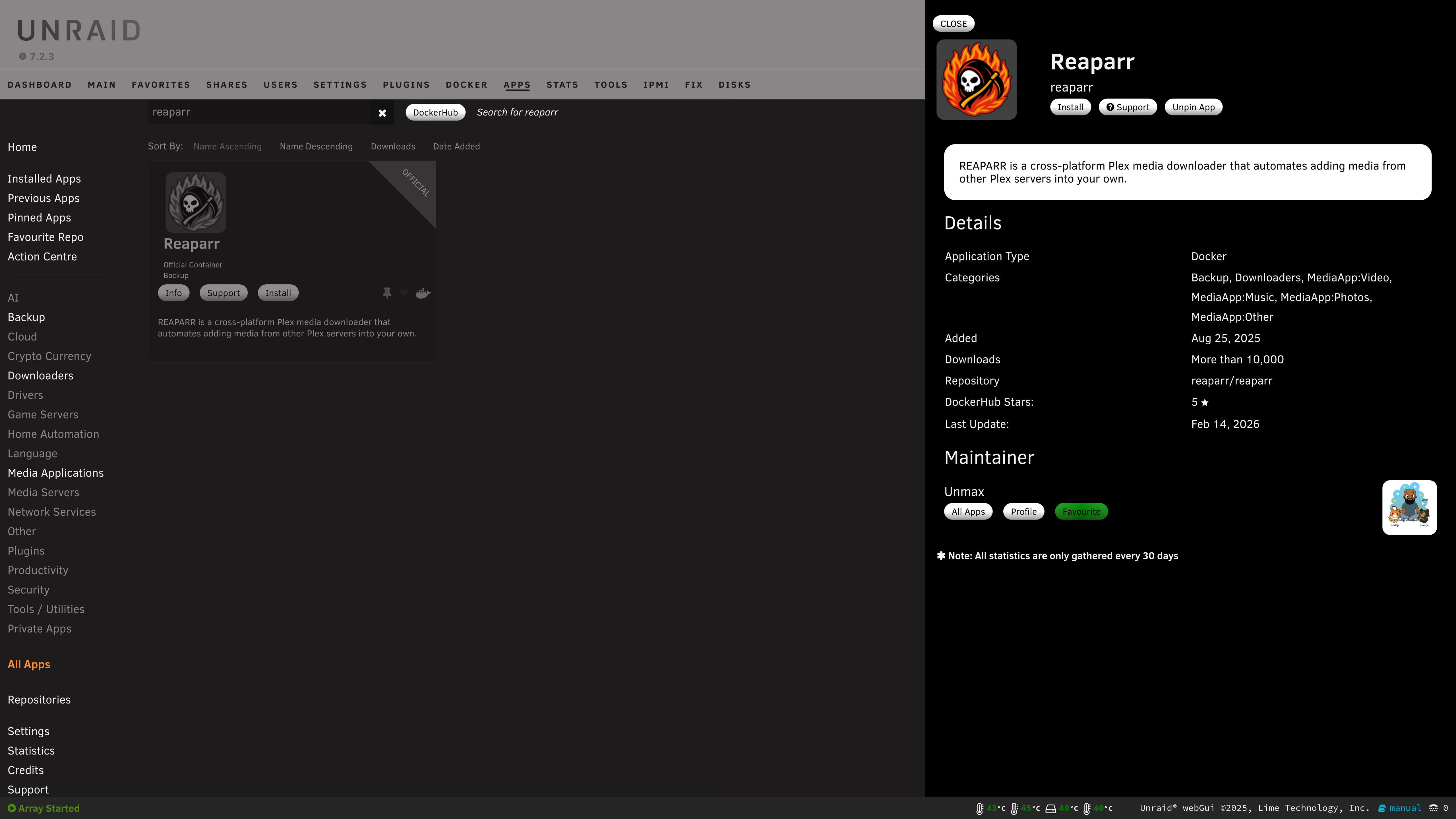
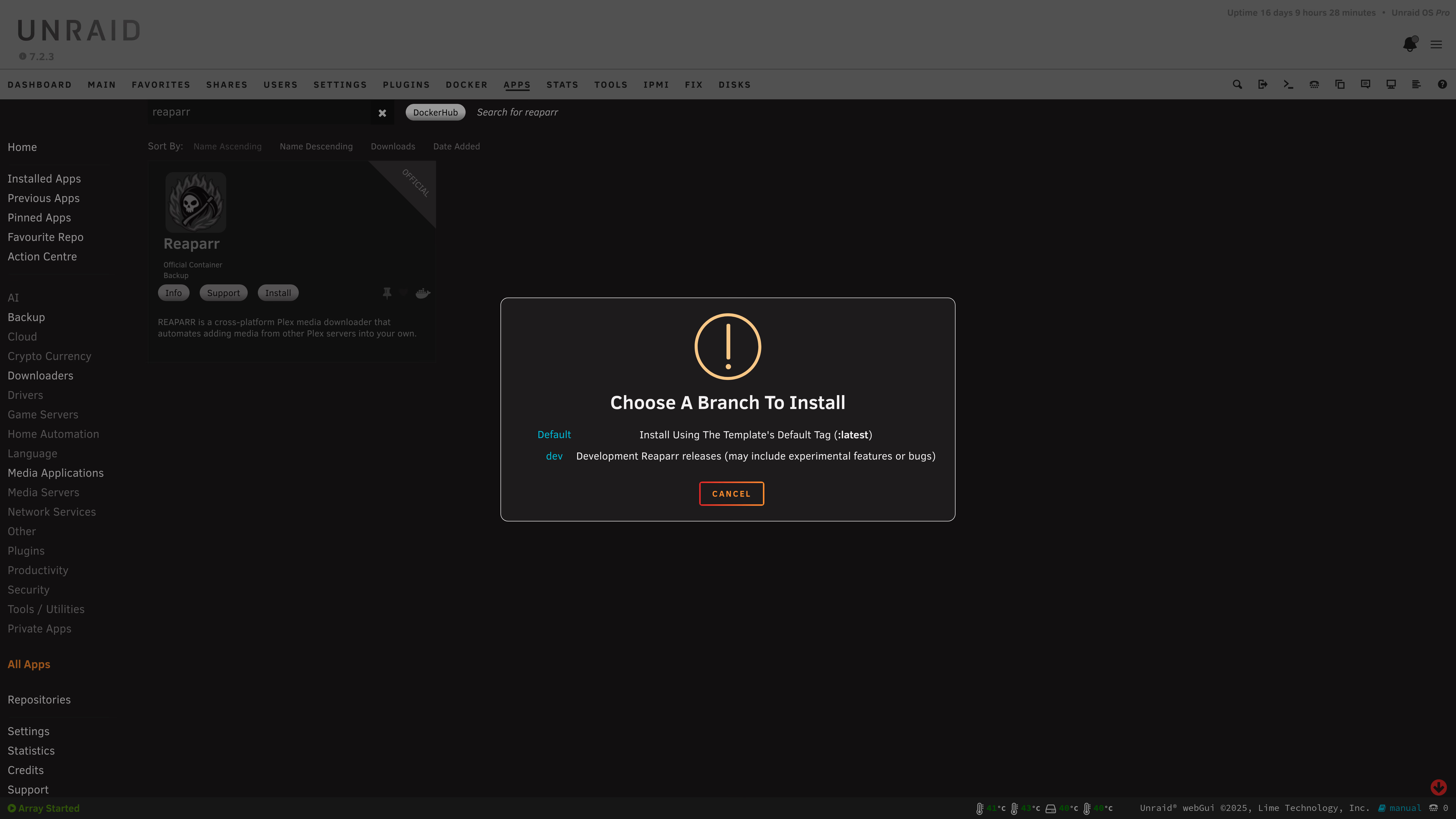
- Now you can select
latestordevas the version you want to install, and clickInstallagain.
- A Docker Template will be shown, fill this in with the correct values
- Find your user’s PUID and PGID
Run this command in the Unraid web terminal to find your user’s UID and GID:
id
Example output:
uid=1000(user) gid=1000(user) ...
uid=1000→PUID=1000gid=1000→PGID=1000
- Fill in these values in the template (Click on "Show more settings" to expand the options if you don't see the PUID and PGID fields"):
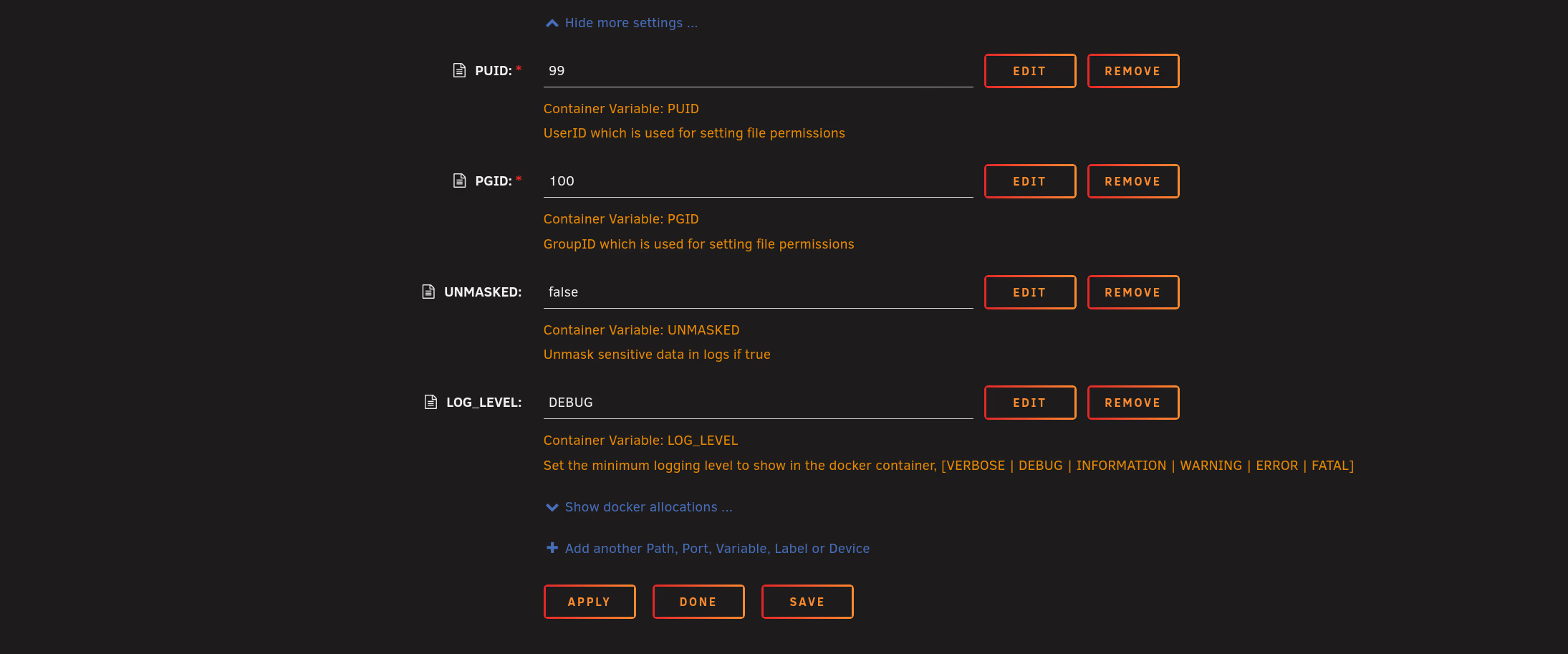
- Once you have filled in the template, click
Applyto start the container. - Done!
Docker Compose
This guide will show you how to run Reaparr with Docker on any OS (Linux, Windows, macOS). Follow the steps to get Reaparr up and running in a Docker container.
Windows
This guide will show you how to install Reaparr on Windows using Docker Desktop. Follow the steps to get Reaparr up and running on your Windows machine.